Audit HIPAA complianceReviewing production controls
RunningOPEN-SOURCE DESKTOP WORKSPACE FOR AGENTIC WORK
Give your AI agents Apps.
Penkra gives the agents you already use Apps to work with your files, browser, and tools—all from one desktop workspace.
Free and open source · macOS, Windows, and Linux
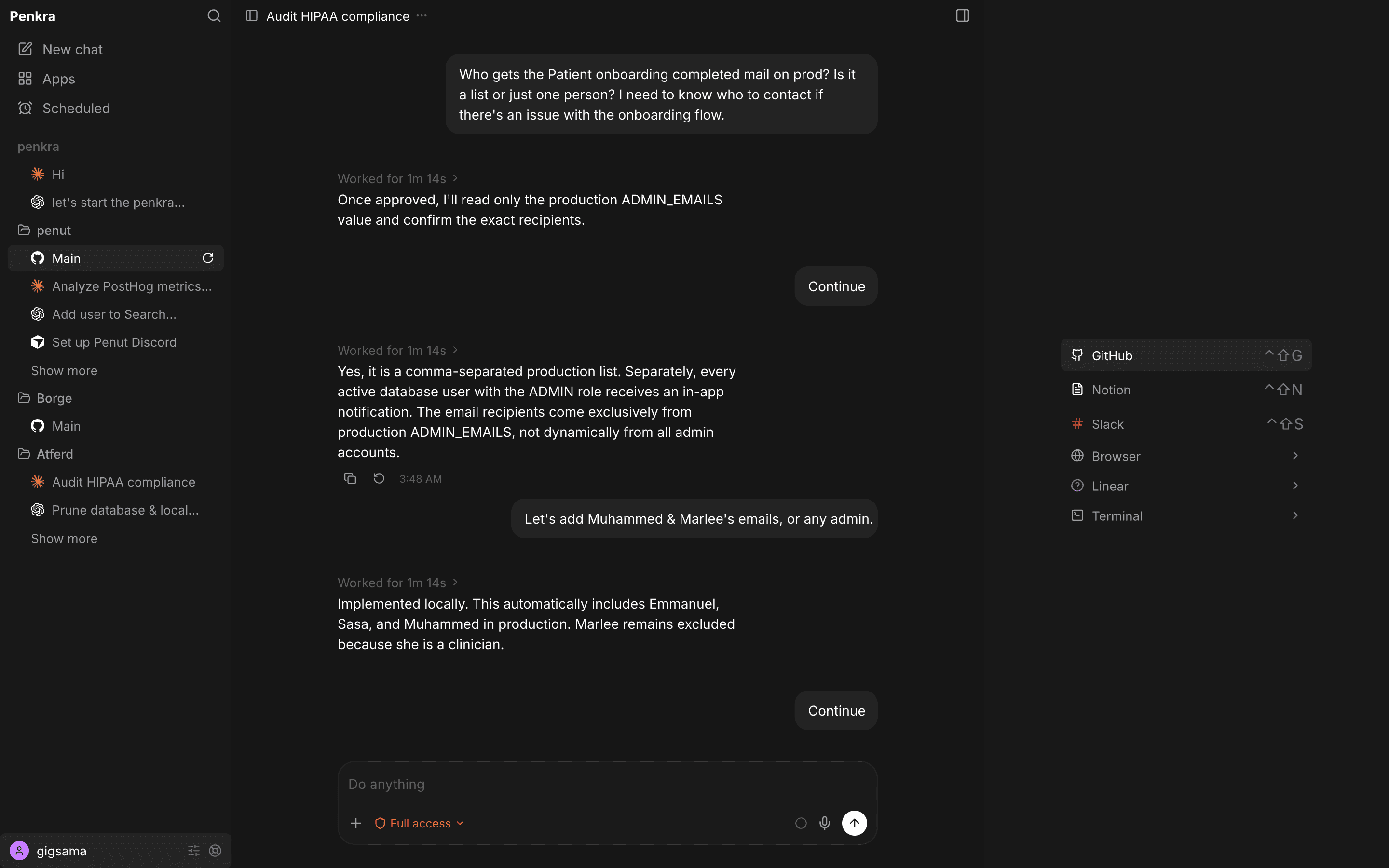
PENKRA APPS
Apps make agents useful for your work.
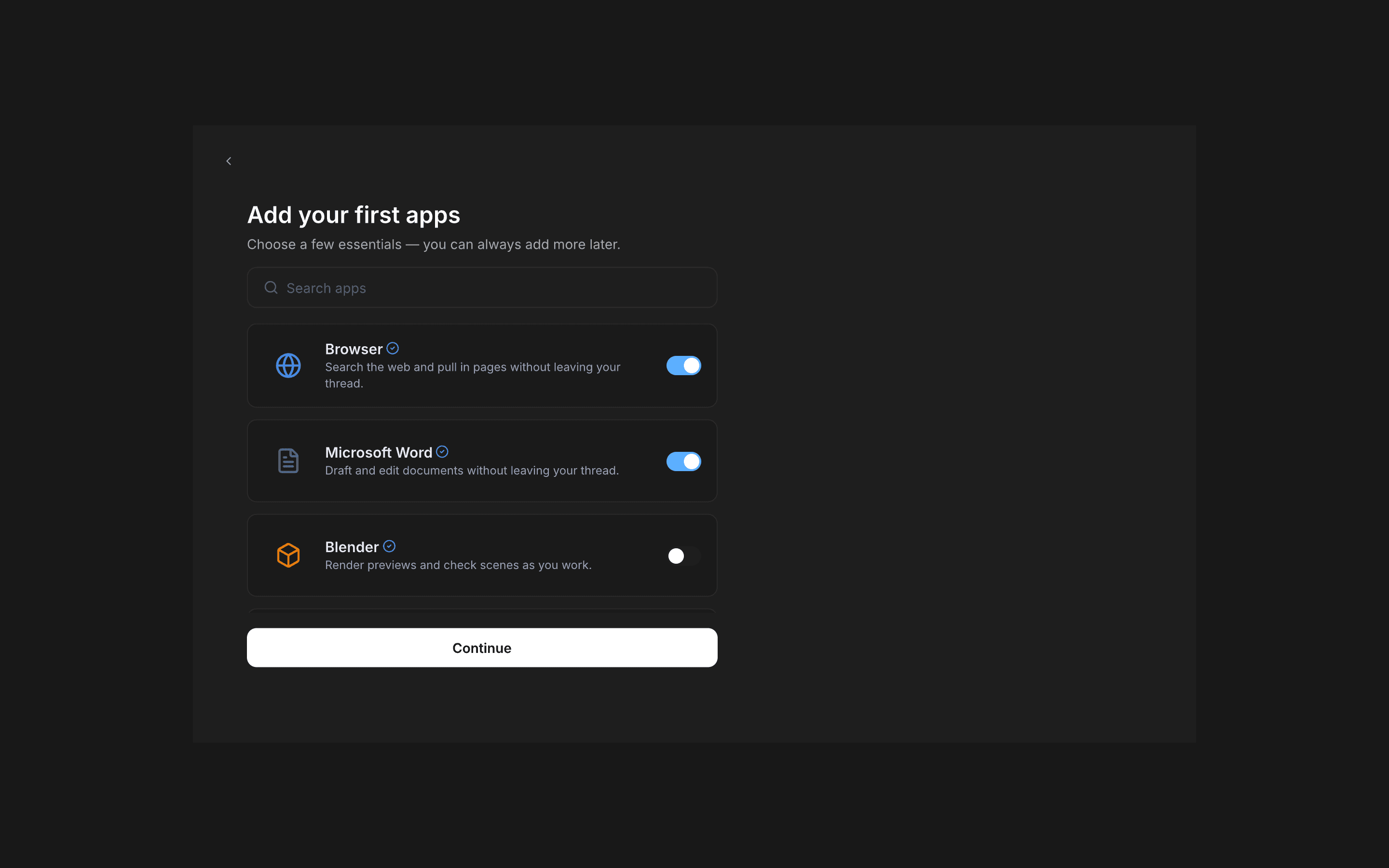
Each App can add an interface you use, capabilities your agents call, and skills that teach them how. Start with Files + Editor and Browser, then install more.
WORK IN PARALLEL
Run tasks in parallel—not one by one.
Each thread runs independently. See what’s working, what needs approval, and what’s done—without opening every conversation.
Four threads. One workspace.
2 running1 needs approval1 completed
Prepare launch notesWaiting for your approval
ReviewOrganize website AppsBuilding the release checklist
RunningUpdate onboarding copyCompleted just now
Done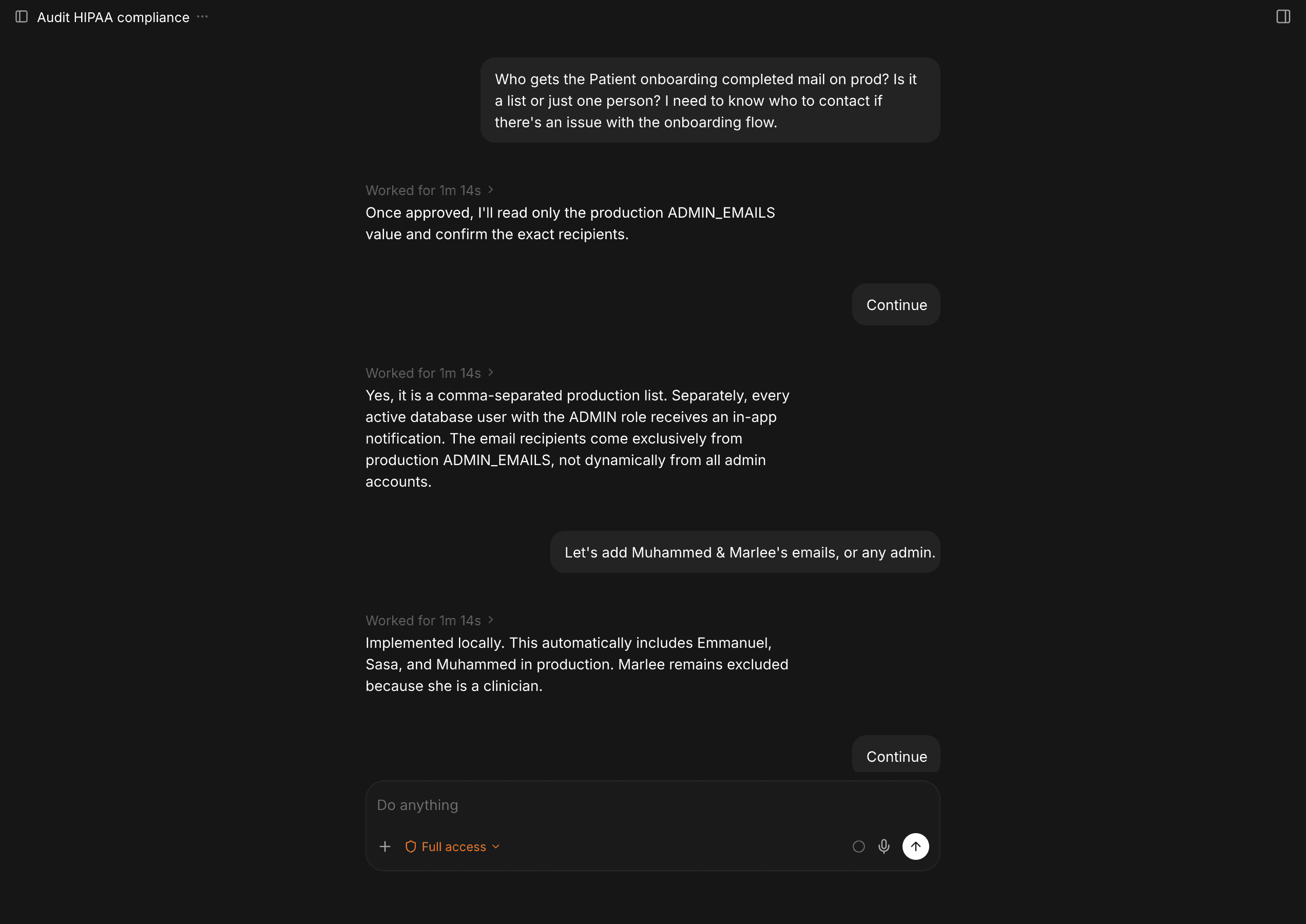
ONE WORKSPACE
Files, browser, and conversations—together.
Open a file, check a page, and talk to an agent side by side. Everything stays attached to the thread where the work belongs.
YOUR AGENTS
Use the agents you already know.
Connect Claude, Codex, Cursor, Grok, Droid, Kilo, Pi, GitHub, and OpenCode—then choose the right one per thread.
Nine agents. One workspace.
Connect one or several. Choose per thread.
 Claude
 Codex
Codex Cursor
 Grok
Grok Droid
Droid Kilo
Kilo Pi
Pi GitHub
 OpenCode
PERMISSIONED BY DESIGN
Apps only see what you hand them.
An App cannot browse your conversations, folders, settings, or other Apps. It gets only the input an agent passes and the permissions you approve.
YOUR THREAD“Summarize this report”Instruction + selected context
PENKRA CHOOSES THE BOUNDARYreport.pdf + instructionOnly the input needed for this action
THE APPRuns its capabilityReceives this input—and nothing else
BLOCKED BY DEFAULTOther threads · Folders · Settings · Other Apps
OPEN PLATFORM
Free, open source, and built to extend.
Inspect the code, contribute to Penkra, or build Apps with familiar web technologies and the open Agent Skills format.
Frequently asked questions
How much does Penkra cost?
Penkra is free and open source under the MIT License. Your AI provider may charge for its own subscription or API usage.
Which operating systems does Penkra support?
Penkra is available for macOS, Windows, and Linux.
Which agents can I use?
Penkra includes Claude Agent, Codex, and OpenCode. You can sign in with Claude or ChatGPT, or connect an API key.
Which API-key providers are supported?
Connect Anthropic, OpenAI, Google, OpenRouter, or a compatible custom base URL.
Can Apps read my conversations?
No. Apps cannot browse your conversations, folders, threads, settings, or other Apps. They receive only arguments an agent explicitly passes and permissions you approve.
What comes with Penkra?
Files + Editor, Browser, and themes are bundled. You can install more Apps from Penkra's App registry.
Download Penkra. Put your agents to work.
Free and open source for macOS, Windows, and Linux.
Download PenkraFree and open source · macOS, Windows, and Linux